
How to Get More Customers Using Google My Business
If you run a local business and you’re not on Google My Business, you’re essentially invisible to a huge chunk of people who are actively looking for exactly what you offer. Not people who might be interested someday — people who are searching right now, phone in hand, ready to visit or call or buy.
That’s the opportunity sitting on the table. And the best part is, it’s completely free.
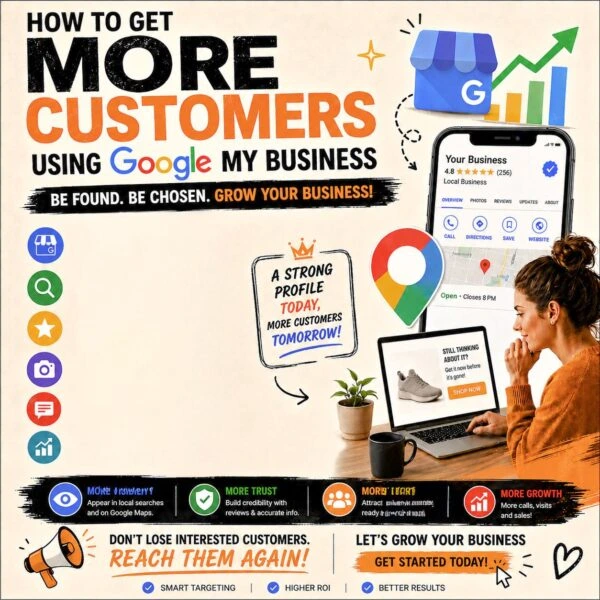
What Google My Business Actually Is
Google My Business — now officially called Google Business Profile — is the listing that shows up when someone searches for a business or service near them. The name, the location, the hours, the photos, the reviews, the little panel that appears on the right side of Google or at the top of Maps. That’s it.
It sounds simple because it is. But the businesses that take it seriously show up first. The ones that ignore it don’t show up at all.
Why It Matters More Than Most People Think
Think about the last time you looked for somewhere to eat, a salon, a repair shop, anything local. You probably typed something like “best coffee near me” or “digital marketing agency in Kasaragod” and clicked on one of the first few results without scrolling much further. Everyone does this.
Google My Business is how you become one of those first few results. More visibility means more calls, more clicks, more people walking through your door. And because the listing shows reviews, photos, and real information upfront, people arrive already trusting you a little — which makes converting them into actual customers significantly easier.
How to Actually Optimize Your Profile
Filling out your profile completely is the first and most important step. Business name, address, phone number, website, hours — all of it. Google rewards complete profiles with better rankings. An incomplete listing tells both Google and potential customers that you’re not paying attention, and neither will they.
Choosing the right category matters more than most people realize. This is how Google decides which searches to show your business in. If you run a café and you’ve listed yourself under “restaurant” instead of “café” you might be missing searches that would have found you otherwise. Be as specific and accurate as possible.Photos are underestimated. People scroll through images before they read a single word of your description. A storefront that looks clean and inviting, a product that looks well made, a before and after that shows real results — these build trust faster than any amount of text. Businesses with good photos consistently get more clicks than those without.
Reviews are probably the most powerful part of the whole thing. People trust other people far more than they trust businesses. A genuine review from a happy customer does more for your credibility than anything you could write about yourself. Ask your satisfied customers to leave one. Make it easy for them. And when reviews come in — good or bad — respond to them. A business that engages with its reviews looks like a business that actually cares.
Your business description is also a small but important opportunity. Write it clearly, naturally, and include the keywords people would actually use to search for you. Not stuffed awkwardly, just woven in the way a real person would write about what they do. Something like “We offer digital marketing services including SEO, social media management, and web design for businesses in Kerala” tells Google exactly what you do and where you do it.
Posting updates regularly is something almost nobody does, which means it’s an easy way to stand out. Offers, new services, announcements, events — you can post these directly to your profile the same way you would on social media. It keeps your listing active and signals to Google that your business is current and engaged.
Finally, list your services and products clearly. Don’t make people guess what you offer. The more specific and complete your listing is, the easier it is for Google to match you with the right searches — and the easier it is for potential customers to decide you’re worth contacting.
The Bigger Picture
Google My Business isn’t a one time setup and forget thing. It’s a living part of your online presence that rewards consistency and attention. The businesses that treat it that way — keeping information updated, responding to reviews, posting regularly, adding fresh photos — are the ones that quietly climb local search rankings while their competitors wonder why they’re not getting found.
It costs nothing. It takes less time than most people think. And for a local business trying to grow, there are very few tools that deliver this kind of return for this little effort.
If you haven’t set it up yet, today is a good day to start.